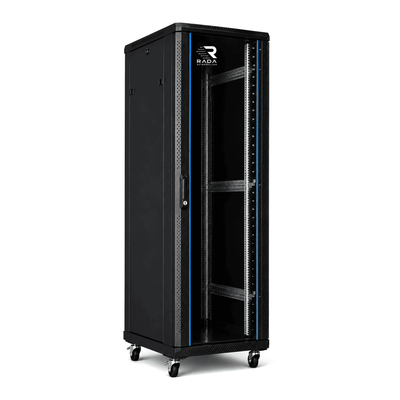
 Server cabinets
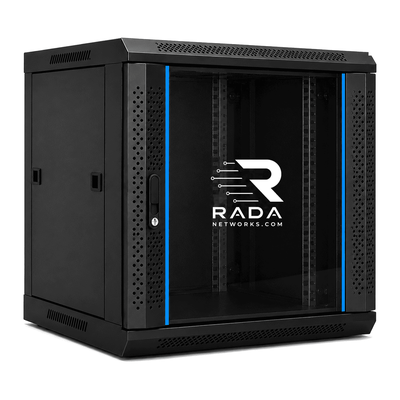 Wall-mount cabinets
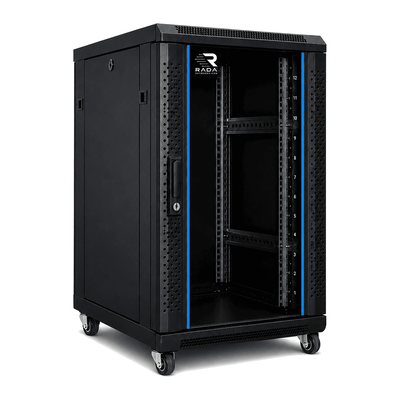 Compact server cabinets
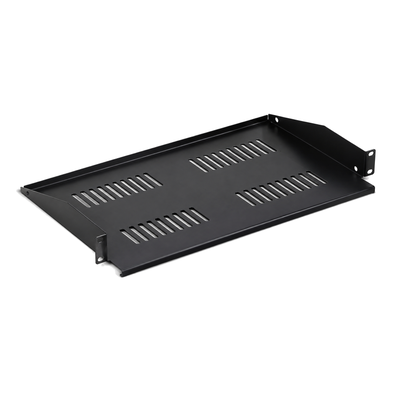 Accessories
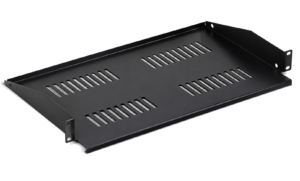
Server cabinet for UniFi
Plan rack units, depth, cooling and growth for a UniFi installation.
A well-chosen UniFi cabinet brings gateways, switches, patch panels, NVR, power and cabling together while leaving room for maintenance and growth.
Which cabinet suits a UniFi installation?
Start with a complete list: Dream Machine, Cloud Gateway, Cloud Key, switches, patch panels, NVR, PDU, UPS and non-rack devices on shelves. Record each item’s rack height, depth, weight, connectors and airflow direction.
| UniFi installation | Indicative size | Possible equipment |
|---|---|---|
| Small home network | 9U–12U | Dream Machine, switch, patch panel and accessories |
| Extended home network or small office | 12U–18U | UDM Pro/SE, several switches, patch panels and UPS |
| Business network | 18U–22U+ | Switches, routers, patch panels, UPS, NVR and servers |
Dream Machine Pro and SE
The 19-inch models normally use 1U, but that number alone is not enough. Allow for rear leads, SFP modules, port access and neighbouring devices. A desktop device needs a shelf with the correct depth and load rating.
12U for a compact network
A 12U cabinet may fit a gateway, one or two switches, a patch panel, PDU and small shelf. It can become tight when adding an NVR, UPS or future expansion, so check usable depth carefully.
18U for extra reserve
An 18U cabinet gives more room for cable management, another switch, NVR, NAS or UPS. The spare space makes servicing easier and avoids filling every rack unit from day one. View 18U cabinets.
22U for an extended installation
A 22U cabinet suits a more complete installation with several patch panels, PoE switches, video storage and growth space while remaining smaller than a full-size floor cabinet. View 22U cabinets.
What depth is required?
Compare usable mounting depth, not external depth alone. Add plugs, power supplies, modules, cable bend, rails and working clearance. Mounting posts must adjust to the required position and the rear door must not compress cables.
- 450–600 mm: for many switches, patch panels and network devices.
- 600–800 mm: more room for cabling, a UPS and larger equipment.
- 800–1000 mm: useful when the cabinet also holds servers, rails or large UPS systems.
Equipment to plan for
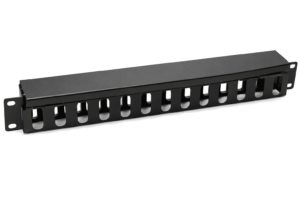
- Patch panels and cable managers near the switches.
- Gateway, controller and NVR with access to ports and drives.
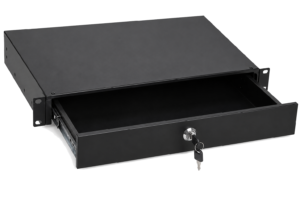
- A shelf for modem, fibre termination or non-rack devices.
- PDU and, where required, UPS with verified load and runtime.
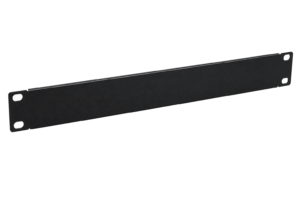
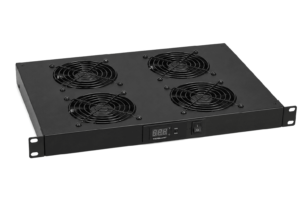
- Blanking panels and ventilation where they improve airflow.
Why use a cabinet?
A cabinet protects equipment, limits unauthorised access and keeps connections readable. It does not replace a suitable room temperature, safe electrical installation or cable documentation.
How many rack units are needed?
Total every device, shelf and cable manager, then retain roughly 20–30% spare capacity where possible. Do not count only rack-mounted devices: shelves and power supplies can consume several useful units.
UniFi at home
For a home network, consider noise, heat, wall capacity and cable access. A wall cabinet saves floor space; a compact floor cabinet is often better for a heavy UPS or deep equipment.
UniFi in an office
For an office, plan for growth, video recording, PoE switches and power continuity. Put heavy equipment low, keep power and data apart where practical and preserve front and rear access.
Frequently asked questions
Does a Dream Machine Pro fit a 19-inch cabinet?
Yes, when the cabinet provides the correct posts, usable depth and clearance. Always check the exact model data sheet.
Is 12U enough?
Often for a small installation, but list every component and add spare capacity before choosing.
Is 18U better than 12U?
18U provides more service space and room for NVR, NAS, UPS and future expansion.
Is a 1000 mm-deep cabinet necessary?
Not for most UniFi equipment alone. Greater depth may be useful when adding servers, an UPS or rail-mounted equipment.
Can a Synology NAS be installed as well?
Yes, on a suitable shelf or rails, provided load, depth, airflow and drive access have been checked.
How much spare rack space should remain?
A reserve of 20–30% is practical where space allows, without obstructing airflow.
Find the right cabinet for your UniFi installation
Start from the actual equipment inventory and verify every measurement against the equipment and cabinet specifications. If uncertain, send us the equipment list and installation location.
- Measure devices, rails, plugs and cable bend.
- Total rack units and weight with growth allowance.
- Check access, doors and the delivery route.
- Verify load, shelves and accessories.
- Plan airflow, noise, PDU, UPS and earthing.
Complete the form below. Your request is sent directly to info@serverkastdirect.be.