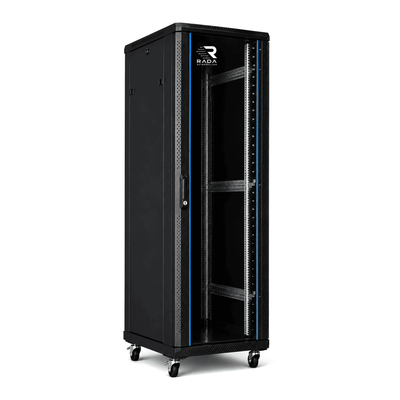
 Server cabinets
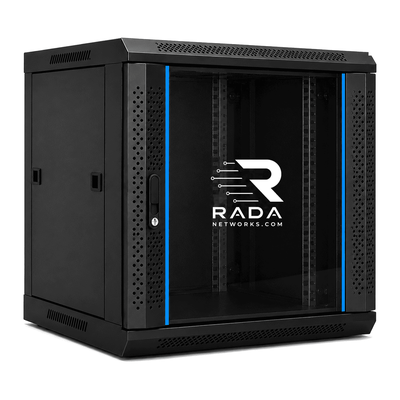 Wall-mount cabinets
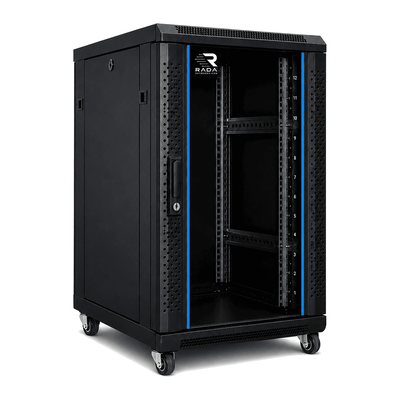 Compact server cabinets
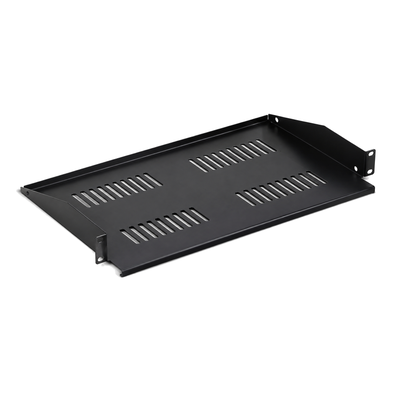 Accessories
Server cabinet for Synology NAS
Choose a secure cabinet with enough depth and airflow for a Synology NAS.
Install your Synology NAS, switches, router and cabling in one safe, tidy and properly ventilated cabinet. The right choice depends on the NAS format, its dimensions and weight, and all other equipment that must share the cabinet.
Which cabinet suits a Synology NAS?
Synology offers desktop NAS systems and RackStation models. A desktop NAS needs a suitable shelf. A RackStation can be installed in a compatible 19-inch cabinet when usable depth, mounting-post spacing and rails are correct. Always check the data sheet for the exact model.
| Installation | Indicative height | Possible equipment |
|---|---|---|
| Small home network | 9U–12U | NAS, router, switch and patch panel |
| Extended home network or small office | 12U–18U | NAS, switches, patch panels, UPS and network equipment |
| Business NAS or server environment | 18U–22U+ | Rackmount NAS, UPS, several switches and servers |
Desktop Synology NAS in a cabinet
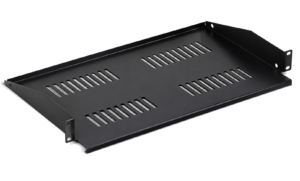
Most desktop NAS systems do not have 19-inch mounting ears. Use a strong shelf rated for the weight of the fully populated NAS. Keep the air intake and exhaust clear, allow access to the drive bays and leave enough room behind the unit for plugs and cables.
Synology RackStation in a 19-inch cabinet
A RackStation is designed for rack mounting, but it does not automatically fit every cabinet. Measure the chassis with its rails, power supplies and cable bend. Check the adjustable distance between the front and rear posts and the service clearance required by the manufacturer.
12U cabinet for a Synology NAS
A 12U cabinet may suit a compact installation with a NAS, switch, patch panel, router and power distribution. Keep a few rack units free for cable management, ventilation and future expansion.
18U cabinet for a Synology NAS
An 18U cabinet provides more room when the NAS is combined with multiple switches, patch panels, a UPS, router or NVR. It also improves access and growth options for a complete home network or small business installation.
22U cabinet for a Synology NAS and servers
A 22U cabinet gives extra capacity when a rackmount NAS, servers, a larger UPS and several network components have to be installed together. Spare room makes cabling, maintenance and later expansion easier.
How deep should a Synology cabinet be?
The cabinet’s external depth is not its usable mounting depth. Measure the NAS with rails, plugs and cables, then compare that result with the mounting-post adjustment range.
- 450–600 mm: suitable for many compact network installations and some desktop NAS systems.
- 600–800 mm: provides more room for a NAS, UPS and cable management.
- 800–1000 mm: may be useful for deep rackmount NAS systems, servers or large UPS units.
These ranges are indicative. The actual equipment and rail depth always determine the requirement.
What can share the cabinet with the NAS?
- Synology desktop NAS or RackStation
- 19-inch network and PoE switches
- UniFi Dream Machine Pro or SE
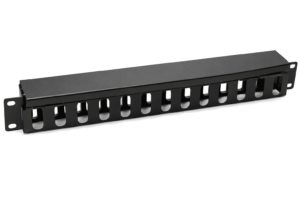
- patch panels and cable managers
- router, modem and firewall
- UPS and PDU
- video-surveillance NVR
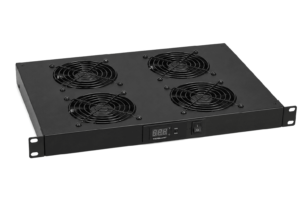
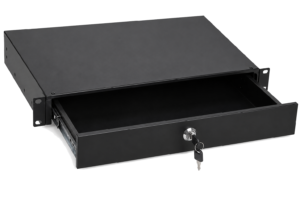
- servers, fan units and rack accessories
Why place a NAS in a cabinet?
- Organisation: storage and network equipment are centralised.
- Protection: equipment is less exposed to impact and unwanted handling.
- Cabling: data and power cables remain identifiable and accessible.
- Ventilation: a correctly selected cabinet supports a controlled airflow path.
- Growth: spare rack units make it easier to add a switch, NVR or server.
Synology in a home network
At home, one cabinet can centralise backups, media, smart-home equipment, networking and video surveillance. Consider fan and drive noise when placing the cabinet near living areas. Also read our guide to a cabinet for a home network.
Synology in an office
For an office, allow for growth, service access, power continuity and backup. Install heavy equipment low and keep both front and rear accessible. See the server cabinet for an office guide.
Combining Synology and UniFi
A Synology NAS can share a cabinet with a UniFi gateway, switches, patch panels and a UPS. Total the rack units, weight and heat load, and keep all air paths clear. Also see which cabinet to choose for UniFi.
How many rack units are needed?
Add every device, shelf, horizontal PDU and cable manager. For shelf-mounted equipment, count the shelf plus the actual clear height above it. Where possible, retain about 20–30% capacity for cabling, maintenance and growth.
Frequently asked questions
Can an ordinary Synology NAS go in a cabinet?
Yes, on a compatible shelf, provided depth, weight, drive access and ventilation are suitable.
Does a RackStation fit a 19-inch cabinet?
Yes, when the model, rails, post spacing, usable depth and load capacity are compatible.
Is an 18U cabinet essential?
No. The correct size follows from the complete equipment list. A compact installation may need less, while one with a UPS and multiple switches may need more.
Is 22U suitable for a NAS and servers?
Yes, if usable depth, rails, load capacity, power and ventilation are sufficient for the selected equipment.
How important is ventilation?
It is essential. Do not block the intake or exhaust and provide a suitable route for warm air to leave.
Can Synology and UniFi share one cabinet?
Yes, after checking space, weight, electrical load, cabling and cooling for the full installation.
Find the right cabinet for your Synology NAS
Compare your equipment list, NAS dimensions and required accessories with the current cabinet specification. Ask for a check if depth, rails or load capacity remain uncertain.
- Measure the NAS, rails, plugs and cable bend.
- Total rack units and weight with a growth allowance.
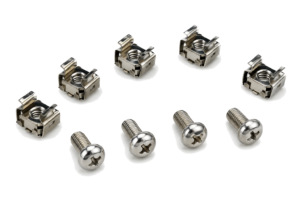
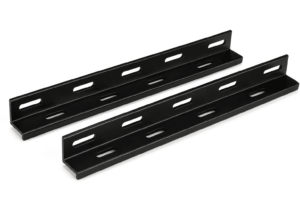
- Check shelves, mounting posts and required accessories.
- Plan airflow, noise, PDU, UPS and earthing.
- Verify the delivery route and maintenance clearance.
Complete the form below. Your request is sent directly to info@serverkastdirect.be.