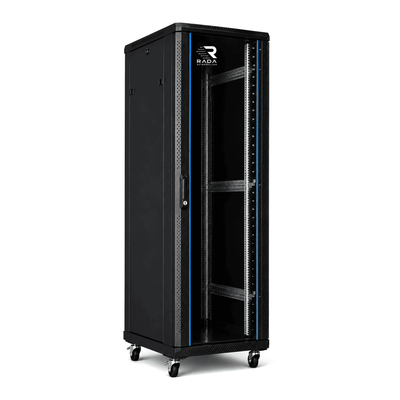
 Server cabinets
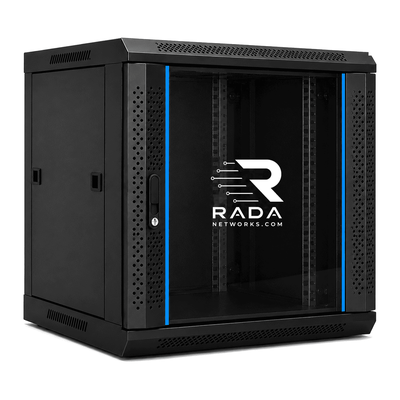 Wall-mount cabinets
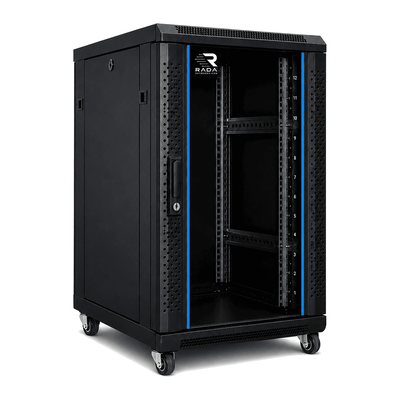 Compact server cabinets
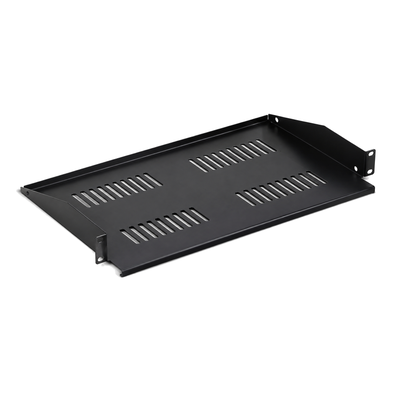 Accessories
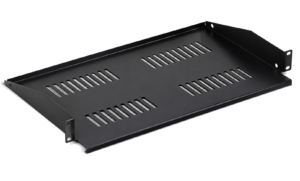
Cabinet for a home network
Organise your modem, router, switch and patch panel in one place.
A home-network cabinet centralises the router, switches, patch panels, NAS, UniFi equipment and video surveillance. The correct size depends on today’s equipment, its depth and the capacity you want to reserve for the future.
Why use a cabinet for a home network?
Home networks increasingly combine routers, switches, access points, storage, cameras and smart-home controllers. A cabinet organises this equipment in one place.
- Tidy installation: devices and cables are centralised.
- Protection: there is less risk of impact or disconnected cables.
- Clear cabling: data and power remain identifiable.
- Expansion: room can be reserved for a NAS or extra switch.
- Professional finish: network equipment is no longer scattered around the home.
Which cabinet size is suitable at home?
Start with a complete inventory and total the rack units, shelves and cable managers. Then include maintenance space and a growth allowance.
| Home network | Indicative height | Possible equipment |
|---|---|---|
| Small network | 6U–12U | Router, switch, patch panel and PDU |
| Extended network | 12U–18U | Router, switches, patch panels, NAS, UPS and UniFi |
| Smart home or homelab | 18U–22U+ | NAS, NVR, UPS, switches, servers and smart-home equipment |
12U cabinet for a compact home network
A 12U cabinet may suit a router, switch, patch panel, PDU and a few compact devices. Where possible, leave several units free for cabling and expansion rather than filling the cabinet on day one.
18U cabinet for an extended home network
An 18U cabinet provides more room for extra patch panels, a Synology NAS, UPS, UniFi equipment or an NVR. For many complete home networks, it offers a useful balance between external size and spare capacity.
22U cabinet for a homelab or complete installation
With multiple switches, a NAS, NVR, UPS or small server, 22U can simplify mounting and cabling. Height is only one criterion: usable depth, weight, power and cooling remain decisive.
What equipment can go in the cabinet?
- modem, router and firewall
- network or PoE switch
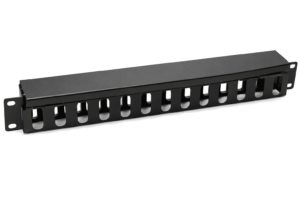
- patch panels and cable managers
- Ubiquiti UniFi equipment
- Synology NAS
- UPS and 19-inch PDU
- video-surveillance NVR
- smart-home controllers
- small servers and homelab equipment
Cabinet for a UniFi home network
A UniFi installation may combine a Dream Machine, switches, patch panels, a NAS and a UPS. Total the height, measure the depth of every device and preserve access to all ports. Read our guide to choosing a cabinet for UniFi.
Synology NAS in the home cabinet
A desktop NAS sits on a compatible shelf, while a rackmount model requires suitable posts and rails. Keep drive access clear and do not obstruct ventilation. Also see the cabinet for a Synology NAS.
How deep should a home cabinet be?
- 450–600 mm: for many routers, switches, patch panels and compact devices.
- 600–800 mm: provides more room for a NAS, UPS and cabling.
- 800–1000 mm: may be useful for servers, rails or deep equipment.
Always measure usable depth: device, rails, plugs, cable bend and service clearance. External cabinet depth alone is not enough.
Where should the cabinet be installed?
Choose a dry, stable and accessible location away from direct sunlight and heat sources. Check power, earthing and cable routes. Doors and panels must be able to open, and the route to the installation point must be accessible.
Ventilation and noise
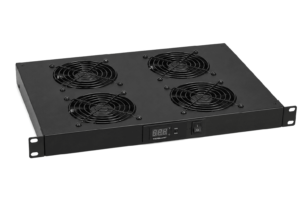
Routers, PoE switches, NAS systems, NVRs, servers and UPS units produce heat. Follow each device’s airflow direction and keep a free path for cool and warm air. Fans do not solve a cabinet with no intake or exhaust. Near living areas, also consider fan and drive noise.
Home video surveillance
An NVR and PoE switch can share the cabinet with the network. Check their depth, heat, power demand and cable count. Keep the recorder accessible for drive and maintenance work.
How much spare capacity should remain?
A reserve of about 20–30% is a practical starting point where space permits. Distribute spare units where they help cable management, cooling and access rather than leaving all free space in one location.
Frequently asked questions
Do I really need a cabinet at home?
Not always, but it becomes useful when several devices and cables need to be centralised, protected and maintained.
Which size suits a home network?
The answer follows from the equipment list. Small networks often fit in 6U–12U, while one with a NAS, UPS or homelab generally needs more.
Is 18U too large for a home?
Not when the cabinet must hold several devices and leave growth room. Do check its external dimensions and the access route.
Can a NAS go in the same cabinet?
Yes, on a suitable shelf or rails, after checking weight, depth, drive access and ventilation.
Can UniFi equipment be installed in a home cabinet?
Yes, when mounting, depth, cabling and cooling suit the selected models.
Can video surveillance be included?
Yes. Total the space, power, heat and cabling of the NVR, PoE switch and other components.
Does a home cabinet always need fans?
No. This depends on heat output and the natural airflow path. Measure temperature and improve the air intake and exhaust first.
Find the right cabinet for your home network
Use the inventory, measurements and actual location to compare models. A slightly larger cabinet can simplify cabling and growth, but it does not replace checking depth and load capacity.
- List every device, shelf, rail and power supply.
- Total rack units and weight with a growth allowance.
- Measure usable depth and cabling clearance.
- Check location, access, noise and ventilation.
- Plan the PDU, UPS, earthing and labelling.
Complete the form below. Your request is sent directly to info@serverkastdirect.be.