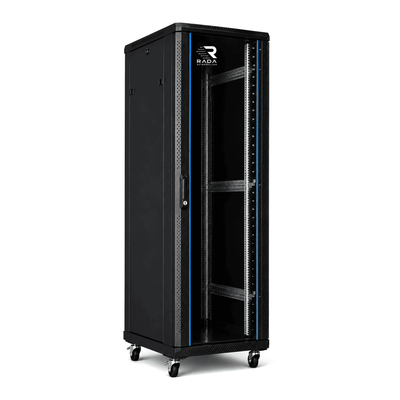
 Server cabinets
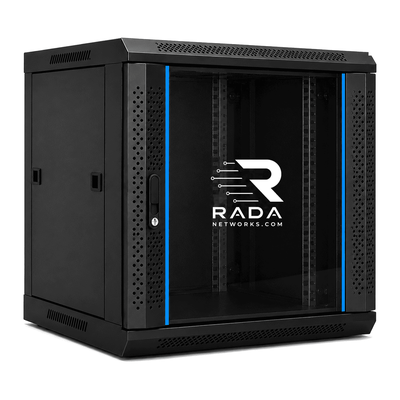 Wall-mount cabinets
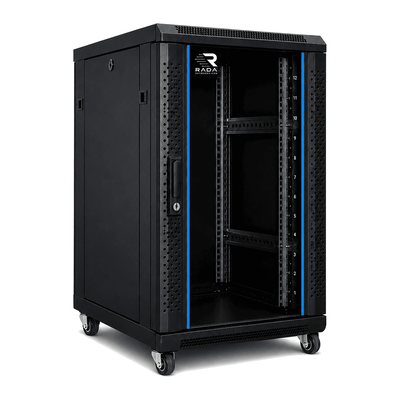 Compact server cabinets
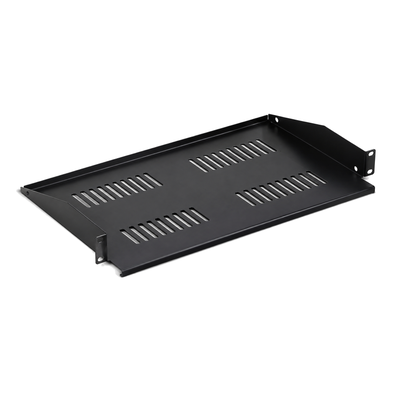 Accessories
Server cabinet for an office
A practical 19-inch foundation for a reliable office network.
An office server cabinet protects and centralises the router, firewall, switches, patch panels, NAS, video surveillance and UPS. Selection depends on height, but also on usable depth, weight, heat and cabling.
Which server cabinet does an office need?
The number of workstations and network outlets provides a starting point. Then list every item that will be installed and allow for future workstations, access points and cameras.
| Situation | Indicative height | Typical equipment |
|---|---|---|
| Small office | 12U–18U | Router, firewall, switch, patch panel and small NAS |
| 10–30 workstations | 18U–27U | 24/48-port switch, several panels, NAS, CCTV and UPS |
| Larger business environment | 27U–42U | Multiple switches, servers, storage, UPS systems and extensive cabling |
12U–18U cabinet for a small office
A 12U or 18U cabinet may be enough when the installation mainly contains a modem, router, firewall, patch panel and one or two switches. If a NAS, NVR or UPS is added, pay particular attention to depth and weight.
18U–27U cabinet for a medium office
For roughly 10 to 30 workstations, 18U to 27U provides more room for several patch panels, 24- or 48-port switches, a firewall, recorder and NAS. Spare capacity prevents the cabinet becoming full as workstations, access points or cameras are added.
27U–42U cabinet for a larger office
An installation with multiple switches, servers and storage systems may need 27U, 32U or 42U. Larger cabinets offer more cable-distribution and airflow options, provided the floor and access route are suitable. Install heavy servers and UPS systems low.
What equipment goes in an office cabinet?
- modem or fibre termination
- router and firewall
- 24- or 48-port switches
- patch panels
- UniFi or other network controller
- NAS and storage
- NVR/CCTV equipment
- VoIP equipment
- 19-inch servers
- UPS and PDU
Office cabinet for a UniFi network
A cabinet can combine a Dream Machine, switches, patch panels, NAS and UPS. Keep ports accessible and account for the heat from PoE switches. Also see the cabinet for UniFi guide.
NAS in an office cabinet
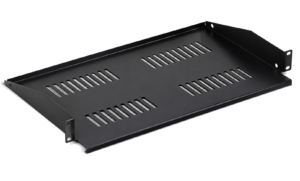
A Synology or similar NAS can be installed with the network equipment. A desktop model needs a shelf; a rackmount model may require rails and greater depth. See the cabinet for a Synology NAS guide.
Cabinet for CCTV and video surveillance
The NVR, PoE switch and camera patch panels can be centralised in the cabinet. Total the ports, PoE power, heat and storage space. Keep the recorder accessible for drive and maintenance work.
How deep should an office cabinet be?
Switches and patch panels are often shallower than servers, large NAS systems and UPS units. Being 19 inches wide does not guarantee compatibility.
- measure the actual chassis and rails;
- check the adjustable mounting-post spacing;
- add power plugs and network cables;
- respect cable bend and airflow;
- retain service clearance at the front and rear.
Quiet server cabinet for an office
In a work area, noise from servers, drives and fans can be disruptive. First assess heat output and active-ventilation requirements. A separate technical room may be preferable for noisy or hot equipment. An acoustic cabinet still needs sufficient airflow.
Ventilation and temperature
PoE switches, servers, NAS systems and UPS units produce heat continuously. Follow each device’s airflow direction, keep a free path between intake and exhaust and do not block vents with cables. Perforated doors or extra fans may be needed, depending on the actual load.
Cable management in an office cabinet
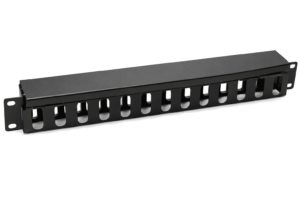
Use patch panels and horizontal or vertical managers. Label both ends and separate data from power where practical. A modest service loop helps during changes, but excess cable can obstruct airflow and ports.
How much spare rack capacity should remain?
A reserve of around 20–30% is a practical starting point. It should accommodate extra switches, panels, servers, NVR or UPS equipment and leave space where cabling and cooling need it.
Frequently asked questions
Which cabinet suits a small office?
Often 12U–18U, after checking the depth and weight of every device. Adding a NAS or UPS can increase the requirement.
Is 18U sufficient for an office?
Yes for many compact installations, but total every device, shelf and cable manager and allow for growth.
Can servers and network equipment share one cabinet?
Yes, if depth, rails, load capacity, power and cooling are compatible. Install heavy equipment low.
Does the cabinet need a separate technical room?
Not always. A separate room is often preferable for noise, heat, security and access when the installation is substantial.
Find the right cabinet for your office
Check the current installation, planned expansion and every device specification. For a project or multiple cabinets, provide quantities, required dimensions and delivery location.
- Inventory equipment, rack units, weight and depth.
- Allow for growth in workstations, access points and cameras.
- Check load, rails, shelves and the delivery route.
- Plan cooling, noise, PDU and UPS.
- Organise and label data and power cabling.
Complete the form below. Your request is sent directly to info@serverkastdirect.be.