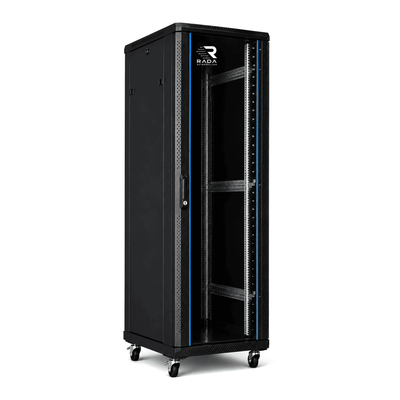
 Server cabinets
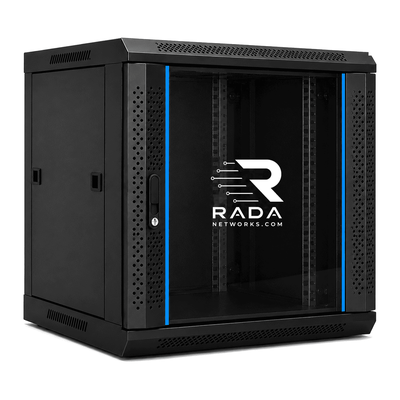 Wall-mount cabinets
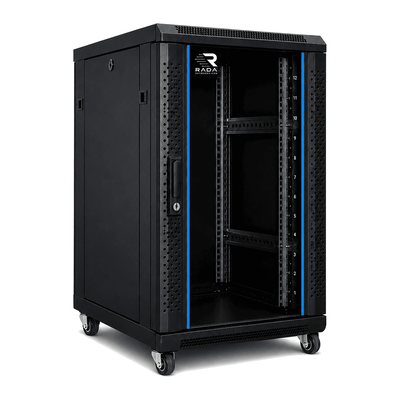 Compact server cabinets
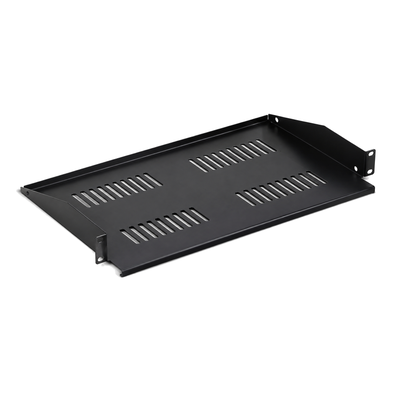 Accessories
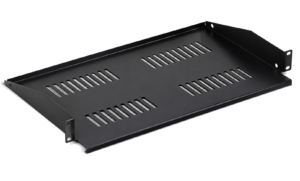
Cabinet for an AI/GPU server
Check depth, load, power and airflow for AI and GPU servers.
An AI or GPU server can be deep, heavy and power-intensive. Select the cabinet from the actual chassis, rails, weight, cooling and power requirements, not from rack-unit height alone.
Which cabinet does a GPU server need?
Record each server’s height, depth, weight, rail kit, electrical demand and airflow direction. Add switches, storage, PDUs, UPS systems, cable managers and blanking panels. The server manufacturer’s current specification remains decisive.
How deep should an AI server cabinet be?
Measure from the front mounting plane to the rearmost point of the chassis, then add rails, plugs, cables and service clearance. Check usable mounting depth and the distance range between mounting posts, not only the cabinet’s external depth.
800 mm or 1000 mm deep cabinet?
An 800 mm cabinet may suit some short servers and network equipment. A deep GPU chassis, long rail or large UPS may require more, and a 1000 mm external depth does not guarantee enough usable depth. Always compare the actual dimensions.
| Check | What to measure | Reason |
|---|---|---|
| Chassis and rails | Total depth and rail range | Compatibility with front and rear posts |
| Connectors | Plugs and cable bend | Prevent pressure against the rear door |
| Maintenance | Clearance at front and rear | Allow extraction and service |
Cabinet for heavy GPU servers
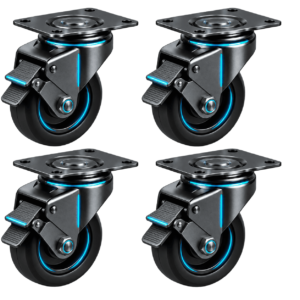
Total the weight of servers, rails, storage, UPS systems, PDUs and cables. Check the cabinet’s static load, every rail or shelf rating and the floor capacity. The permitted load while moving on castors may be different. Install heavy equipment low and secure the cabinet against tipping.
How many rack units are needed for AI equipment?
A GPU server may occupy several rack units. Total all devices and accessories, then reserve space for airflow, cabling and growth. A lab with several compute nodes may need 42U, although available power and cooling often limit density before rack height does.
Cooling GPU servers in a cabinet
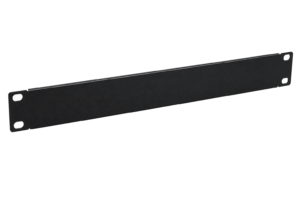
Follow the server’s airflow path, commonly front to rear. Cool air must reach the intake without obstruction and hot air must leave at the rear or top. Perforated doors and blanking panels can help avoid recirculation. Assess the heat load of the whole room, not just the cabinet.
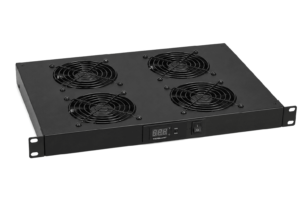
Fans in an AI cabinet
A fan unit can support airflow, but it cannot replace a cool-air supply and hot-air exhaust. Extra fans without a free path may increase noise without solving overheating. Monitor temperature at server intake and exhaust points.
Power supply for GPU servers
Record the normal and maximum demand of every device. Check circuit capacity, protection, outlets, redundant power supplies and earthing. A powerful multi-GPU installation may exceed what a standard office socket can provide, so have the electrical installation assessed when the load requires it.
PDU for AI and GPU servers
The PDU must match the plug type, voltage and maximum current of the equipment. A vertical PDU can save rack units in a tall cabinet. With redundant supplies, two separate power paths can be planned where the infrastructure supports them.
UPS for a GPU server
A UPS can protect against short outages or power disturbances, but it must support the required power and runtime for the actual load. Calculate both watts and VA, then check weight, depth, rails and ventilation. A small network UPS is generally not intended for a heavy GPU compute system.
Cabinet for servers with NVIDIA GPUs
The GPU alone does not determine the cabinet. Servers using NVIDIA GPUs are available in different chassis formats. Check the exact server’s height, depth, weight, rails, power and cooling requirements with its manufacturer.
Cabinet for a Dell PowerEdge GPU server
GPU-capable PowerEdge servers differ in chassis and rail requirements. Compare the exact model with the cabinet posts, usable depth and load capacity. Then review the available server cabinets.
Cabinet for an HPE ProLiant GPU server
The same applies to HPE ProLiant systems: rail kit, depth and weight depend on the model. Also check clearance for power supplies and cabling. View the 19-inch server cabinets.
AI server and network switch in one cabinet
Compute, storage and networking can share a cabinet when space, weight, power and temperature limits are respected. Install heavy servers low and lighter network equipment higher, while preserving an unobstructed airflow path.
Cabinet for an AI lab or machine learning
A small lab may combine compute, storage and networking. Reserve rack units, electrical capacity and cooling for future nodes from the start. A larger cabinet provides space, but does not guarantee that several GPU servers can be powered and cooled safely.
Cable management for GPU servers
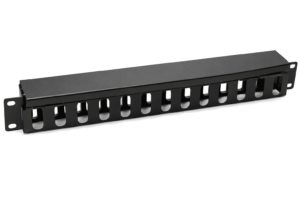
Separate power and data where practical, respect cable bend radius and keep air intakes clear. Label both ends, use appropriate managers and retain enough movement to extend a server on its rails without pulling the connections.
Frequently asked questions
Does every GPU server fit a 19-inch cabinet?
No. Width may be standard, but depth, rails, weight, power and cooling vary by chassis.
Is a 600 mm deep cabinet suitable?
Rarely for a deep GPU server. Compare actual usable depth with the chassis, rails and connectors.
Is 1000 mm depth always enough?
No. Check usable depth, post spacing, plugs, cabling and service allowance.
Is a perforated door required?
It is often appropriate for high airflow, but the solution depends on equipment airflow and room cooling.
Can several GPU servers be installed in one cabinet?
Only when the cabinet, floor, power supply and cooling support the complete load.
Which cabinet suits an AI start-up or lab?
Choose after inventorying current and future nodes. Depth, load, power and cooling matter more than height alone.
Find the right cabinet for your AI or GPU server
Collect the technical data for the server, rails, UPS and associated equipment. A check based on these details is more reliable than choosing from nominal height or depth alone.
- Record dimensions, rails, weight, power and heat for every device.
- Total rack units and retain maintenance and growth allowance.
- Check cabinet, floor, rail and castor load ratings.
- Plan cool-air supply, hot-air exhaust, PDU and UPS.
- Verify the delivery route and server extraction clearance.
Complete the form below. Your request is sent directly to info@serverkastdirect.be.