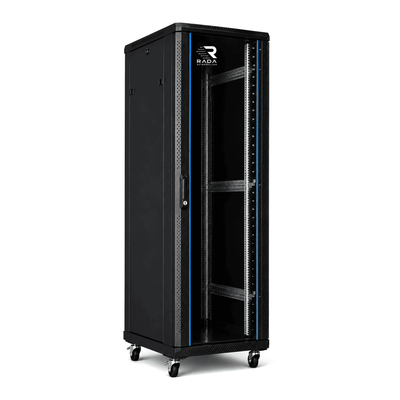
 Server cabinets
 Wall-mount cabinets
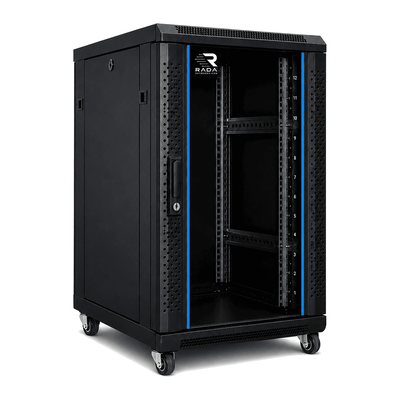 Compact server cabinets
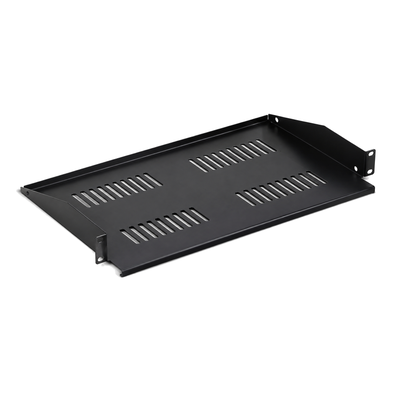 Accessories
Choosing a 19-inch patch cabinet in Belgium: a measured planning guide
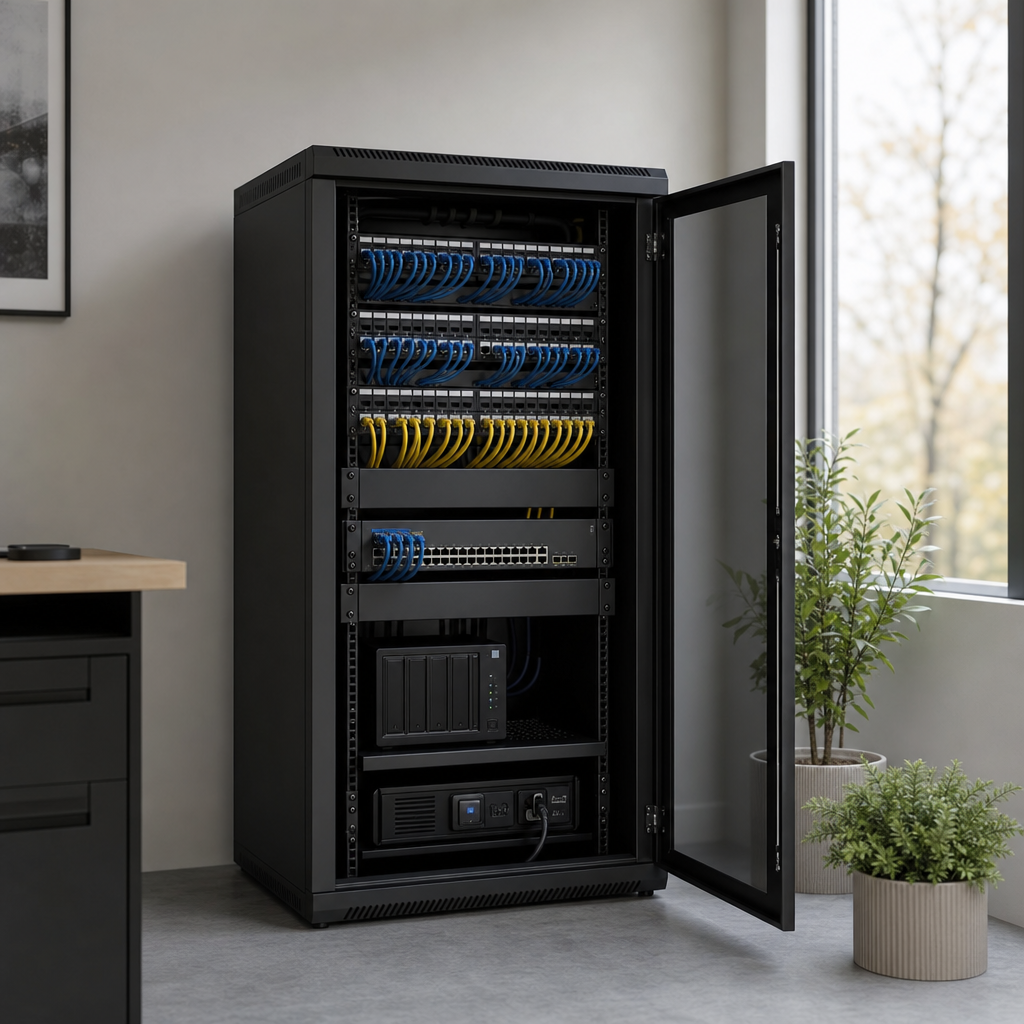
Start the selection with an up-to-date port list. Record the copper and fibre links in use on each panel and plot the associated switch ports, PDU outlets and cable routes on the same rack plan.
Start with the current port plan
A new patch cabinet starts with the current port plan: two patch panels, one switch, horizontal management and a PDU. Specific ports and an adjacent rack position are reserved for planned expansion, while depth and location are checked for bends and service access.
Assign every reserve to an expansion
| The current port plan records used copper and fibre ports on each panel. |
| The next expansion receives panel space, switch ports, PDU outlets and cable bends. |
| Product data are checked at decision time; a guide year does not prove a current dimension. |
Draw panels, switch, PDU and cable bends
Identify one likely expansion and reserve specific panel space, active ports, power and room for safe cable bends. Check that labels remain visible and that a cable can be changed without disconnecting a neighbouring link. Then compare the required rack units, usable depth and door clearance with current product data.
Verify the dimensions, stock and any other critical specifications when making the decision, regardless of the year in the guide title. Judge the cabinet’s capacity for expansion against the next change you have planned. It should accommodate that change without having to rebuild the cabling, cooling or records from scratch.
For the planned expansion, also record who will update the port list and what maintenance window is needed. Spare capacity remains theoretical until the work is arranged.
A guide year does not prove current product data
A year in a buying guide does not make technical data current automatically. Always check the present product sheet and actual hardware. Too much empty space increases cabinet size and cable length; too little forces disorderly expansion later.
Use the cabinet configurator to filter patch cabinets by family, outside dimensions and rack height. Check the stated cable-entry and accessory details in the Belgian range. Keep the port schedule, the next expansion and the planned change window in your own project records.
Choose a patch cabinet from the current port plan and a named expansion, treating depth and location as full decision criteria.
Published by ServerkastDirect.be, an online store of RADA Networks B.V.